Live Chiropractor interactive chart
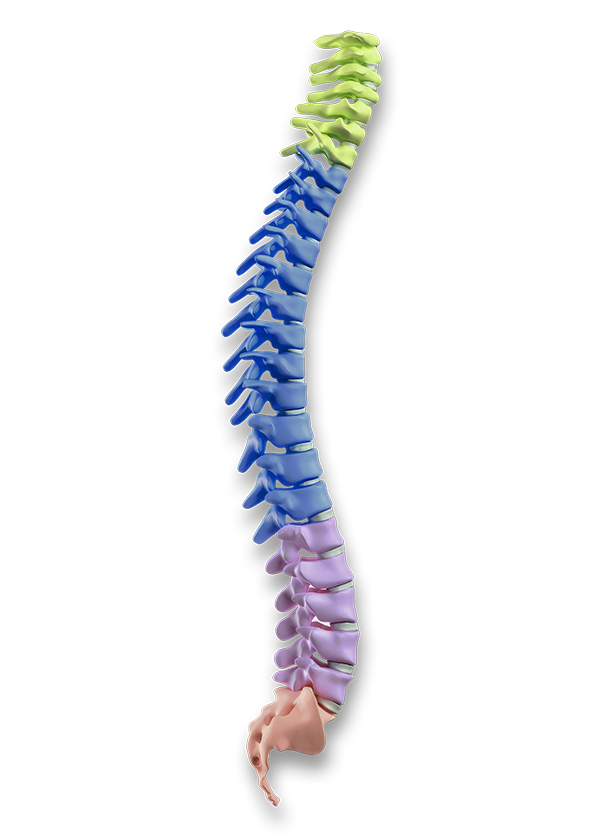
7 Cervical Spine (neck)
Role 1
Simplifying Aesthetic Services for Patients
Engage patients, build trust, and streamline consultation workflows with intuitive visual aids.
- Dynamic Hotspots: Allows patients to tap target treatment areas directly on the screen to explore available aesthetic solutions.
- Interactive Tooltips: Delivers instant, bite-sized details on treatment benefits, expected timelines, and technology overviews.
- Rich Graphics & Videos on Demand: Uses high-resolution visuals to demonstrate procedures, manage treatment expectations, and showcase before-and-after results.
- Service Simulations for Consultations: Provides visual simulations to help clients visualize results, driving pre-consultation conversion and treatments.
Role 2
Rapid Learning for Staff
Empower your clinical team with a rapid-reference station right on the clinic floor.
- Vast Learning Framework: Bypasses traditional onboarding, helping injectors master muscle anatomy and precise dosing patterns instantly.
- On-Demand Educator Guidance: Delivers instant, walk-up visual guides on the kiosk screen, explaining exactly how clinical staff can learn and answer FAQ inquiries.
- Error Elimination: Protects busy staff by guaranteeing perfect message structure, pre-care checklists, and strict consent compliance.
Role 3
Break the Bottleneck. Expand Your Brand’s Reach.
When visitor demand exceeds your team’s capacity, your kiosk keeps engagement moving—helping attendees explore your full product and service offering while your team focuses on high-value conversations.
Expand Brand Awareness: Showcase your products, services, and solutions interactively.
Clear Engagement Bottlenecks: Let visitors explore independently while your team is occupied.
Capture Opportunities: Encourage interaction, collect leads, and enable digital follow-ups.
Maximize Event ROI: Reach more visitors and extend your brand experience beyond the booth.